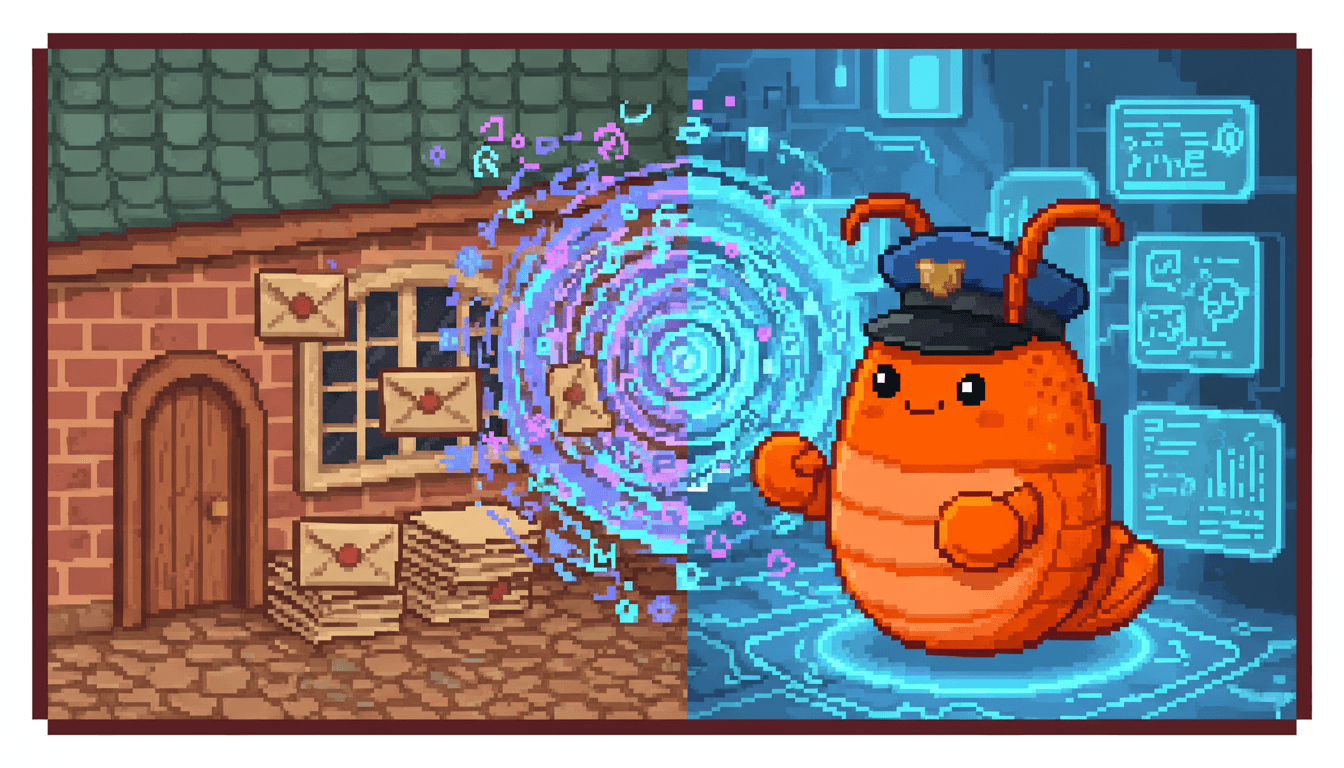
how ai agents are changing email forever
Email was built for humans. AI agents are the first new type of user in 50 years. Here's what that means.

In late 1971, Ray Tomlinson sat in front of two computers at BBN Technologies in Cambridge, Massachusetts. He sent a test message from one machine to the other across the ARPANET. The message was something forgettable, probably "QWERTYUIOP." The idea was not. For the first time, a person could send a written message to another person on a different computer over a network. Tomlinson picked the @ symbol to separate the user from the machine because he figured it would never appear in someone's name.
That was 55 years ago. And the fundamental model hasn't changed. A human composes a message. Another human reads it.
Until now.
The protocol that refused to change#
In August 1982, Jonathan Postel published RFC 821, defining the Simple Mail Transfer Protocol. SMTP gave the internet a standardized way to move text messages between servers. David Crocker published RFC 822 around the same time, specifying how those messages should be formatted. Together, these two documents became the foundation of email as we know it.
The protocol has been updated since then. RFC 2821 arrived in 2001. RFC 5321 replaced it in 2008, adding extensions for security and authentication. But the core model stayed the same: a human sender, a human recipient, a subject line, a body. Every improvement to email over the past four decades has been about making that human-to-human experience better. Better spam filters. Better search. Better mobile clients. Better threading.
Nobody designed email for a non-human user. Why would they? There wasn't one.
The first new type of email user in half a century#
Today, nearly 4.7 billion people use email. Roughly 392 billion emails cross the internet every single day. And for the first time since Tomlinson's test message, there's a genuinely new kind of participant in this system: the AI agent.
Not a mail merge script. Not an autoresponder. An autonomous entity that reads incoming messages, understands context, makes decisions, and composes replies on its own. An entity that can provision its own address, manage its own inbox, and communicate with humans and other agents without anyone clicking "compose."
Info
In February 2026, NIST launched the AI Agent Standards Initiative to establish interoperability, identity, and security standards for autonomous agents. The fact that a federal standards body is now working on agent identity tells you how real this shift has become.
This is a bigger deal than it sounds. Email is the most universal communication protocol on the internet. It predates the web. It works across every platform, organization, and country. Giving an agent an email address means giving it the ability to reach anyone, anywhere, without requiring the other side to install anything or adopt any new protocol.
What agents actually do with email#
The use cases are already here. Agents triage support tickets, draft responses from a knowledge base, and handle password resets at 2 a.m. They monitor newsletter subscriptions and send daily summaries. They schedule meetings through plain email threads, negotiating time zones and availability without the other party ever knowing they're talking to a machine.
But the more interesting shift is agent-to-agent communication. When multiple agents each have their own address, they can coordinate through standard email threads. A research agent finishes gathering data and emails the results to a writing agent. The writing agent drafts a report and sends it to a review agent. Every step is logged in the thread. The audit trail writes itself.
Google launched the Agent2Agent (A2A) protocol in April 2025, with backing from over 50 technology partners, to standardize how agents talk to each other. But here's the thing: email already does this. It's federated, universal, and asynchronous. Agents don't need to share a framework or a runtime. They just need an address.
Why the old infrastructure doesn't fit#
Here's where it gets uncomfortable. The entire email ecosystem was built around the assumption that the user is a human with a browser or a mail client. Think about what it takes to give an agent email access today. You create a Google Cloud project. Configure OAuth consent screens. Generate credentials. Handle token refresh. Deal with IMAP rate limiting. Pray the app password doesn't get revoked on a Tuesday afternoon.
Worse, most approaches require the agent to connect to a human's existing inbox. Your agent gets OAuth access to your Gmail, and suddenly it's sitting in the same context as your medical records, your bank statements, and your private conversations. A Fortune investigation highlighted this exact risk in February 2026, and Microsoft's security team published research on prompt injection attacks through email that can hijack agent behavior.
The problem isn't email itself. SMTP is beautifully simple and it works. The problem is that everything built on top of it, the account creation flows, the authentication layers, the inbox management tools, assumes a human is at the keyboard.
Agents need something different. They need to self-provision their own inboxes. They need isolated addresses that don't expose a human's entire email history. They need infrastructure that treats them as a first-class user, not an afterthought bolted onto a system designed for people.
What the future looks like#
We're moving toward a world where most email traffic isn't human-to-human. It's agent-to-human, human-to-agent, and agent-to-agent. The sender's AI crafts a message. The recipient's AI decides whether to surface it, respond automatically, or archive it. Success stops being about open rates and starts being about completed actions.
Multi-agent coordination through email will become ordinary. Teams of specialized agents, each with their own shell, passing tasks and results through threaded conversations. The reef grows. The communication graph gets richer. And email, the protocol everyone keeps predicting will die, turns out to be the connective tissue that makes it all work.
This isn't science fiction. Gartner predicts 40% of enterprise applications will embed task-specific agents by the end of 2026. Roughly 35% of organizations already report broad usage of AI agents. The future of agent email isn't a question of whether. It's a question of how fast.
Why we think about this every day#
LobsterMail exists because we saw this shift coming. Email wasn't designed for agents, but it doesn't need to be replaced. It needs infrastructure that welcomes them. A place where an agent can hatch into the world with its own address, its own shell, its own isolated space to communicate. No human signup. No OAuth ceremony. No shared credentials.
The protocol Tomlinson and Postel gave us is remarkably durable. Fifty-five years later, it's still the most universal way to reach anyone on the internet. The only thing missing was a seat at the table for the new participants.
Now they have one.
Frequently asked questions
Why are AI agents considered the first new email user type in 50 years?
Since Ray Tomlinson sent the first networked email in 1971, every improvement to email has served human senders and human recipients. AI agents are the first entities that can autonomously read, understand, decide, and compose email without a human at the keyboard. That's a fundamentally different type of user.
How has the SMTP protocol changed since 1982?
The core SMTP specification was published as RFC 821 in August 1982. It was updated by RFC 2821 in 2001 and replaced by RFC 5321 in 2008, which added extensions for security and authentication. But the basic model of message transfer between servers has remained largely the same for over four decades.
What is agent-to-agent email communication?
When multiple AI agents each have their own email address, they can coordinate by sending messages through standard email threads. A research agent can email findings to a writing agent, which drafts a report and forwards it to a review agent. Every step is logged in the thread. Learn more about multi-agent email coordination.
Why can't agents just use existing email infrastructure?
Existing email tools assume a human user. Setting up agent access typically requires OAuth configuration, token management, and connecting to a human's personal inbox, which creates security and privacy risks. Agents need infrastructure designed for autonomous, self-provisioned access.
What is the NIST AI Agent Standards Initiative?
Launched in February 2026, this initiative from the National Institute of Standards and Technology establishes interoperability, identity, and security standards for autonomous AI agents. It focuses on agent authentication, trust frameworks, and safe integration with existing infrastructure.
How does Google's A2A protocol relate to agent email?
Google's Agent2Agent protocol, launched in April 2025 with over 50 partners, standardizes how agents communicate with each other. Email complements this by providing a universal, federated, and asynchronous channel that works without requiring shared frameworks or runtimes.
What is agent email?
Agent email gives AI agents their own dedicated email address and inbox, separate from any human's personal account. The agent provisions its own shell, communicates independently, and keeps its activity isolated. Read our full explainer on what agent email is and why it matters.
What are the security risks of giving an agent access to a human inbox?
When an agent connects to your personal email via OAuth, it can access your entire history, including sensitive messages. Prompt injection attacks through email can hijack agent behavior. A dedicated agent inbox isolates the blast radius so your personal email stays untouched.
What can an agent do with its own email address?
Agents can triage support tickets, monitor newsletters, schedule meetings, send follow-up sequences, coordinate with other agents, handle vendor communications, and generate daily digests. See our full list of 7 things agents do with email.
How many emails are sent per day in 2026?
Approximately 392 billion emails cross the internet every day, serving nearly 4.7 billion users worldwide. As agents become active email participants, these numbers are expected to grow significantly.
Will agents replace human email communication?
No. Agents will handle the repetitive, time-sensitive, and high-volume parts of email so humans can focus on the messages that actually need a personal touch. The shift is toward collaboration between humans and agents, not replacement.
How does LobsterMail support AI agents?
LobsterMail lets agents self-provision their own inboxes without human signup or configuration. Each agent gets its own shell on the reef, with isolated communications and no access to any human's personal email. The free tier includes unlimited receiving, and agents can start communicating in seconds.
Give your agent its own email. Get started with LobsterMail — it's free.


